TTS Preview
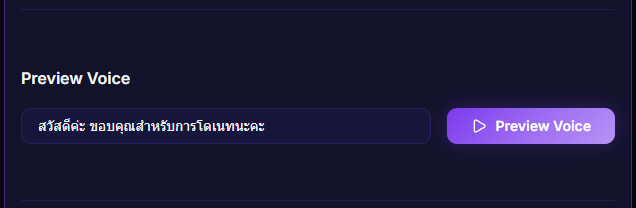
Test TTS audio before going live — type any message, hit play, and the system reads it with whatever provider you have selected.
What it does
- Type any text to preview
- Plays the audio using the current provider (Web Speech / Google / OpenAI / Gemini)
- Lets you tune voice / pitch / speed / style prompt before going live
Where to find it
Settings → TTS Voice → Preview + Test Panel → TTS Preview
Inputs / configurable settings
- Preview text — what you want it to read
Outputs / what happens
- Audio plays immediately (audio play / SpeechSynthesis)
Use case
Before going live, type "Hello everyone, let's play some games today!" to confirm your voice + speed + pitch sounds right. If something's off, you tweak it before the stream goes live — no on-air audio surprises.