OpenAI TTS
Uses OpenAI Text-to-Speech (tts-1 / tts-1-hd) for natural-sounding voice — 9 distinct voice personalities, with speed adjustable from 0.25x to 4.0x.
What it does
- Pick model: tts-1 (fast) or tts-1-hd (higher quality)
- 9 voices to choose from: alloy, ash, coral, echo, fable, nova, onyx, sage, shimmer
- Speed adjustable from 0.25x to 4.0x
- Natural-sounding — great for English donation messages
Where to find it
Settings → Connections → OpenAI (API key) + Settings → TTS Voice
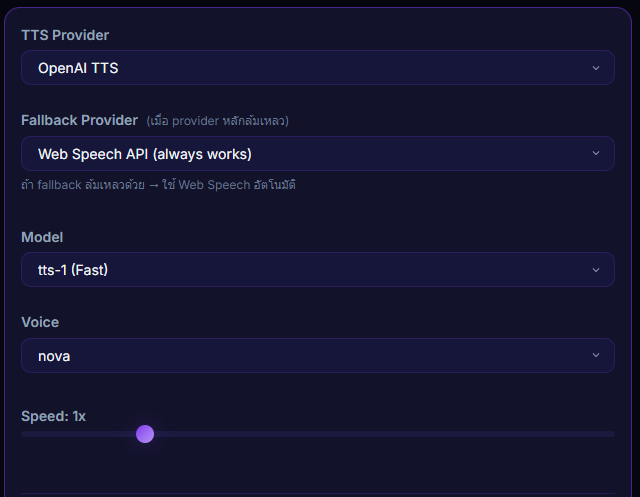
Inputs / configurable settings
- OpenAI API Key
- Model —
tts-1ortts-1-hd - Voice — alloy / ash / coral / echo / fable / nova / onyx / sage / shimmer
- Speed — 0.25 to 4.0x
Use case
An international streamer with a global audience who types messages in English — pick OpenAI voice nova or shimmer and you get podcast-quality narration immediately, no extra config needed.