Backup & Restore
Export the app's complete settings to a JSON file (opt-in for including API keys) and restore from a backup file — perfect for migrating machines or taking a snapshot before making big changes.
What it does
- Export every setting to JSON
- Opt-in for Include API Keys
- Restore from a JSON file
- Auto-reload the page after restore
Where to find it
Settings → Backup tab
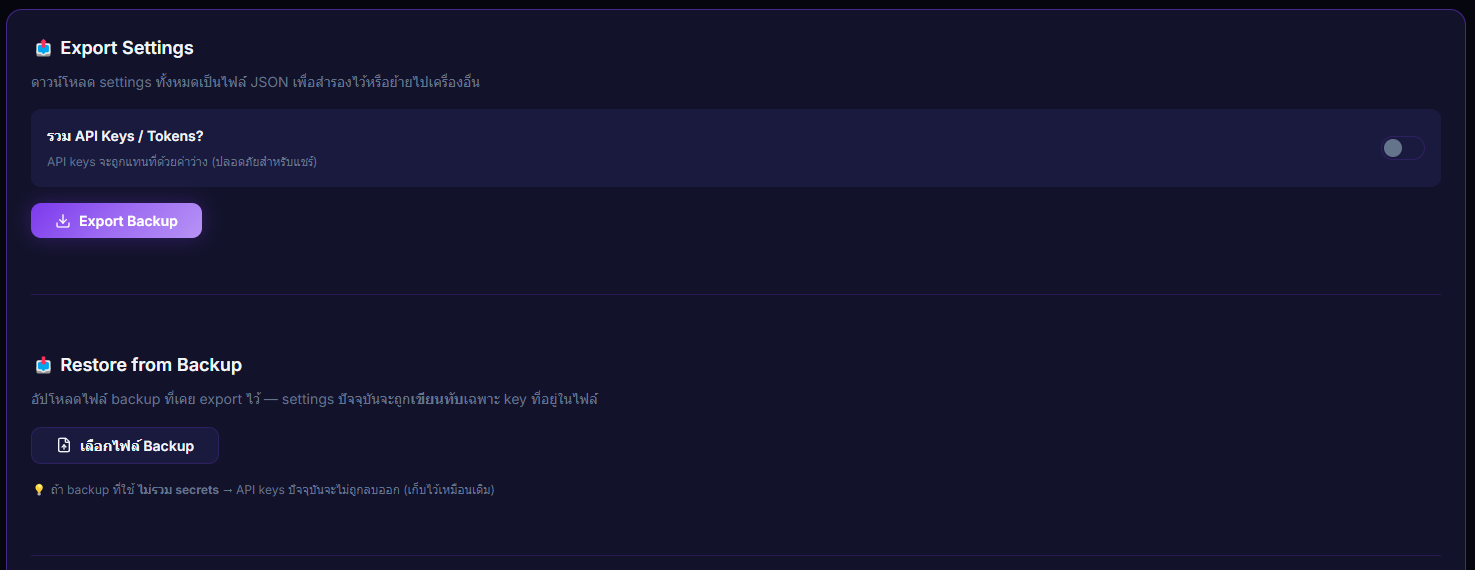
Inputs / configurable settings
- "Include API Keys?" toggle (for export)
- File upload (.json — for restore)
Outputs / what happens
- JSON download (export)
- Restored count + skipped secrets count (restore)
Note: does not include donation history, alert sound files, or overlay images.
Use case
Before switching TTS providers or trying a new overlay preset — Export a backup first. If you don't love the result, Restore it back to the previous state instantly. Or take that JSON to a new machine and pick up exactly where you left off.