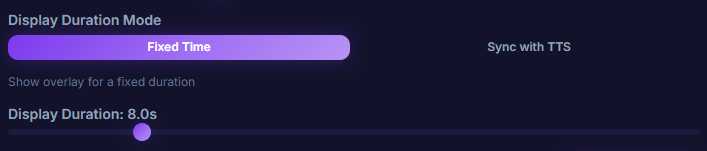
Display Duration Mode
Decide when the overlay disappears — pick between Fixed Time (3-30 seconds) or TTS Sync (the overlay hides when TTS finishes, plus an optional delay).
What it does
- Fixed Time mode — overlay shows for a fixed 3-30 seconds
- TTS Sync mode — overlay hides once TTS finishes + an extra delay
- Pick whichever fits the streamer's flow
Where to find it
Settings → Overlay → Display Duration Mode
Use case
A long donation message might not fit in a 5-second Fixed Time window — switch to TTS Sync mode and the overlay stays up until TTS finishes reading the whole thing, then hides after a comfortable delay. Viewers never miss the message.