Alert Volume / Min Threshold
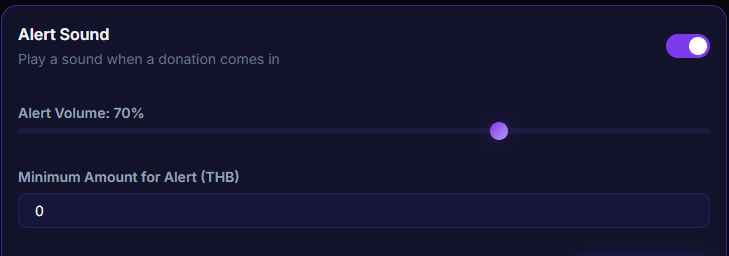
Adjust alert sound volume (0-100%) and set a minimum donation threshold before the alert plays — keeps it from blowing out your mic or being too loud during gameplay.
What it does
- Adjust Alert Volume from 0-100%
- Set a minimum amount for the alert to play
- Donations below the threshold don't fire an alert (but the overlay still shows)
Where to find it
Settings → Alert Sounds → Alert Volume / Minimum Amount
Use case
Playing a quiet horror game — drop alert volume to 30% and set min amount = ฿50 so small donations during a jump scare don't accidentally make you scream because the alert blasted in your ears.