Quick Controls (Queue Operator Panel)
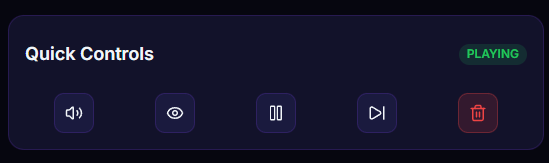
A control strip on the Dashboard for managing the donation queue mid-stream — mute TTS, hide the overlay, pause the queue, skip the current item, or clear the whole queue with one click.
What it does
- Mute TTS — silence TTS without affecting the overlay
- Hide overlay — hide the overlay in OBS during the stream
- Pause queue — stop the queue from playing new items
- Skip current — skip whatever's currently playing
- Clear all — wipe the entire queue
Where to find it
Dashboard → Quick Controls panel
Inputs / configurable settings
- Toggle / click for each action
Outputs / what happens
- Queue status:
playing/paused/idle - mute / hide flag pushed to the overlay in real time
Use case
Mid-stream a troll donates, or you need to step away — hit Mute TTS + Pause queue. Donations that arrive while you're away stay in the queue and resume playing as soon as you unpause, nothing lost.